Recent activity on NFSAddons
Need for Speed Most Wanted Downloads
Car Manufacturer Logo Fix
Authornomadleoo
Added On
January 28, 2026
Views
2,114
Downloads
301
Version
Most Wanted
File Size
508.63 KB
Favorited
2 times
Additional Screenshots
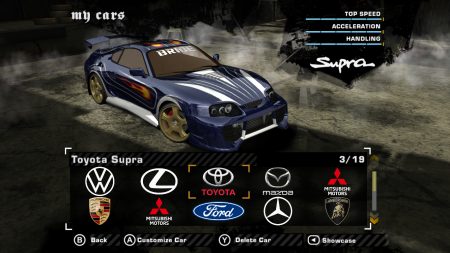
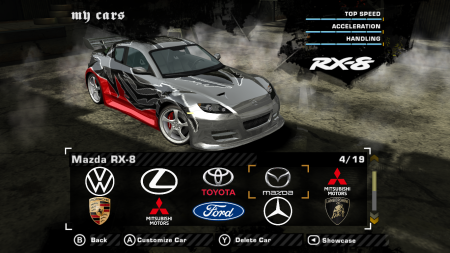
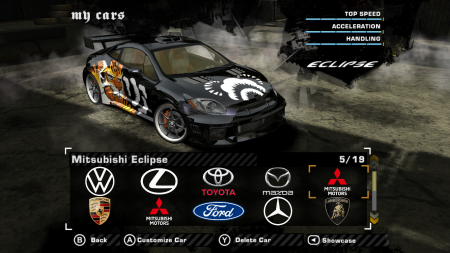
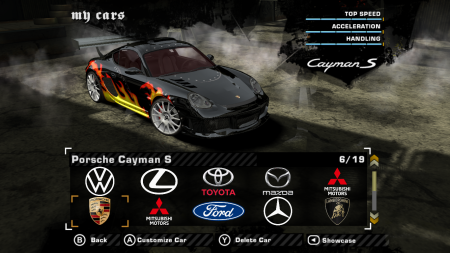
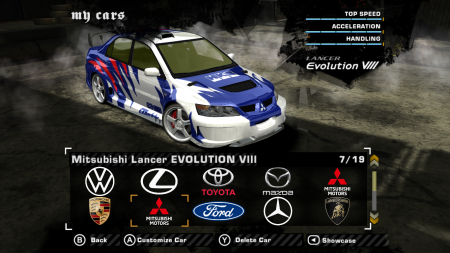
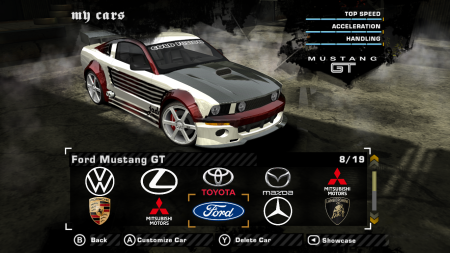
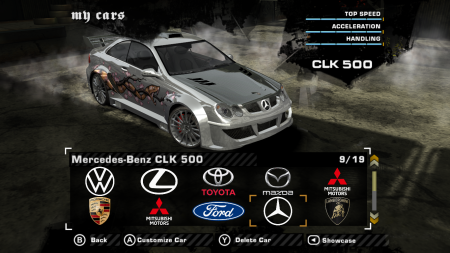
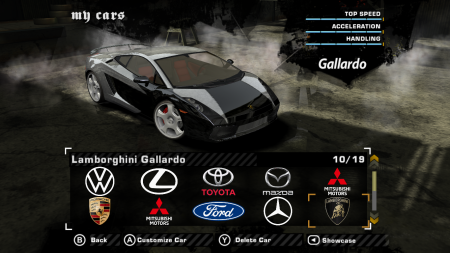
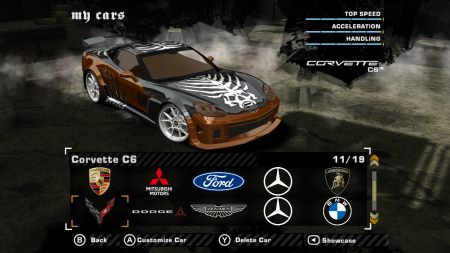
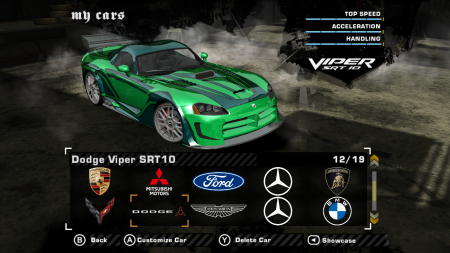
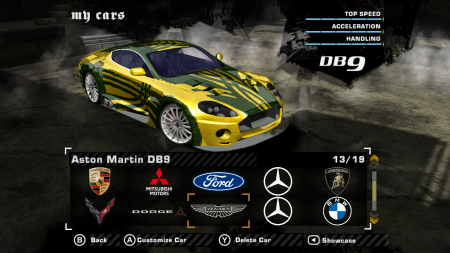
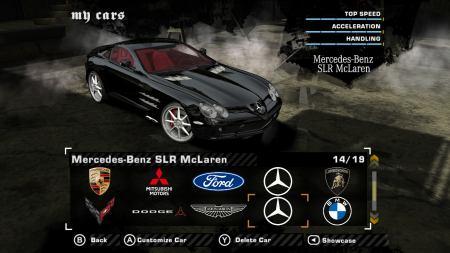
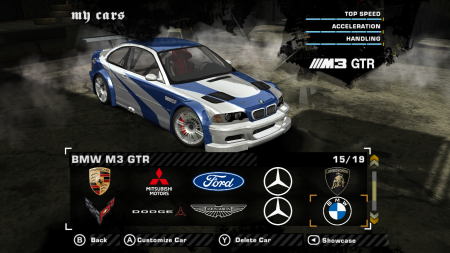
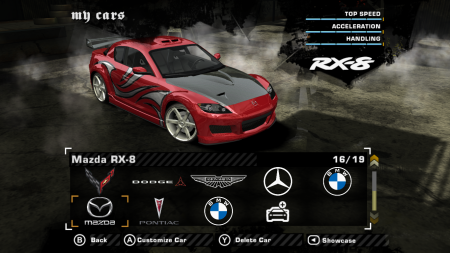
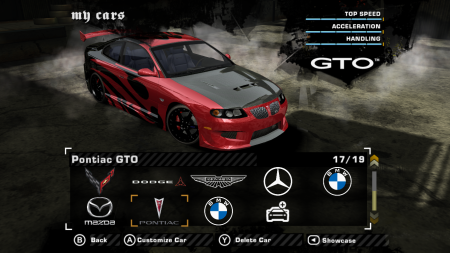
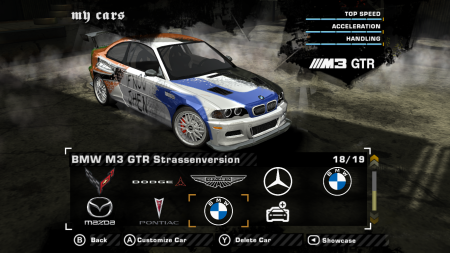
Description
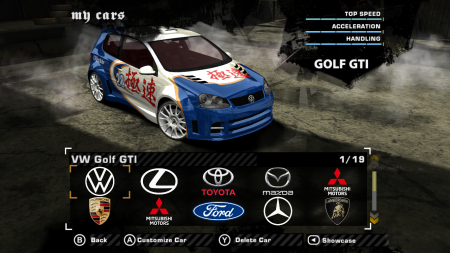
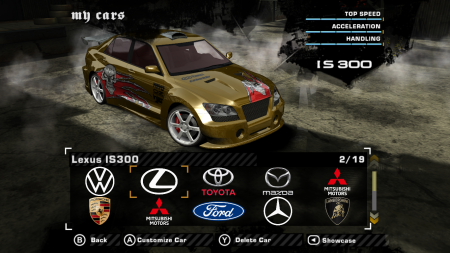
Refresh the car manufacturer logo with a resolution of 512 x 256.
Installation steps:
1. Open NFS-TexEd > File > Open > ...Your game installation... > FRONTEND folder > FrontB.lzc.
2. Find the texture file "CARSELECT_MANUFACTURER_...".
3. Replace the car manufacturer logo with the one in the texture file.
4. Once done, save and check it in the game.
5. Gotcha!
*This logo is for all default cars in NFS Most Wanted.
Random NFS Addon
Newest Addons
- Nfs Carbon Redux 2.1.3 Low End Pc Scribts
- Pro Street Box Cut Vinyls
- Local Cop Speech & Random Cop Speech
- NFS Shift 2 Garage [UG2]
- Extended and Fixed RoofScoops
- Transformers Barricade Vinyl for NFS Most Wanted MUSTANGGT
- Need For Speed Underground 2 PowerPuffEsprit Save Game
- NFS Underground 1 PowerPuff Save Game
- Lamborghini Reventon
- Mercedes-Benz CLK LM '98
Visitor Comments
You're welcome, bro!
For the quality of the original game, I set the graphics to the highest setting. Then I added the No Yellow Filter, Motion Blur Controller, and Fixed Materials mods.
Corvette C6 uses old logo because the logo actualization its for C7, C8 etc
https://i.etsystatic.com/31870407/r/il/cde88a/4741558858/il_fullxfull.4741558858_9gsr.jpg
Error: You must be logged in to comment on this file.
Not registered yet? Register here. It only takes 30 seconds.
Forget your password? Find it here.